
How do I add an real estate offer in ASARI CRM?

Written by ASARI
Learn about the ways to add listings in ASARI CRM.
Adding a property in the ASARI CRM application can be done in two ways:
Real Estate tab
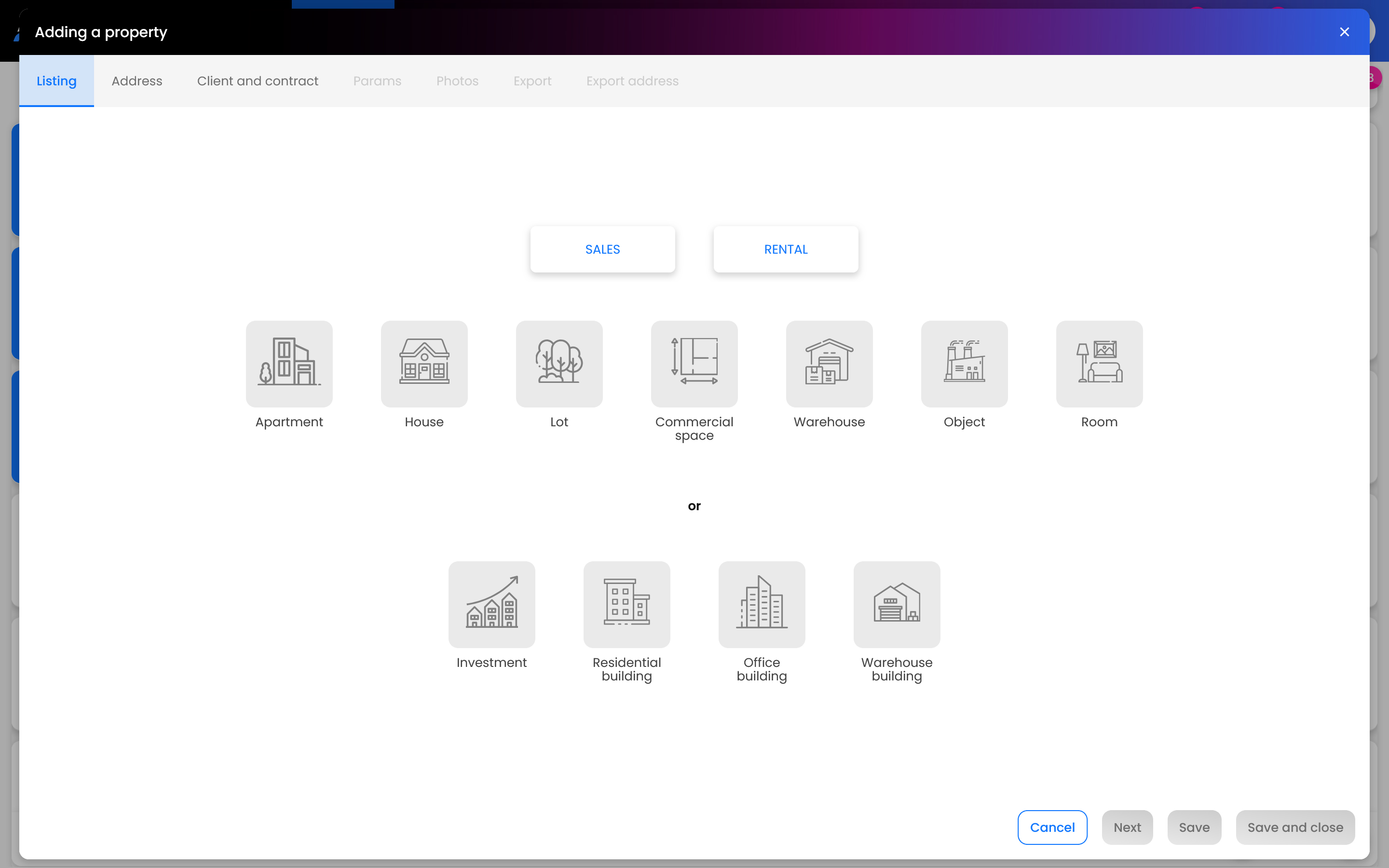
Go to the Real Estate tab and click the Add listing. In the property wizard that appears, select the appropriate parameters for the property you are adding.
Prefer to watch instead of read? Use our video tutorial to learn how to add an real estate offer in ASARI CRM.
.
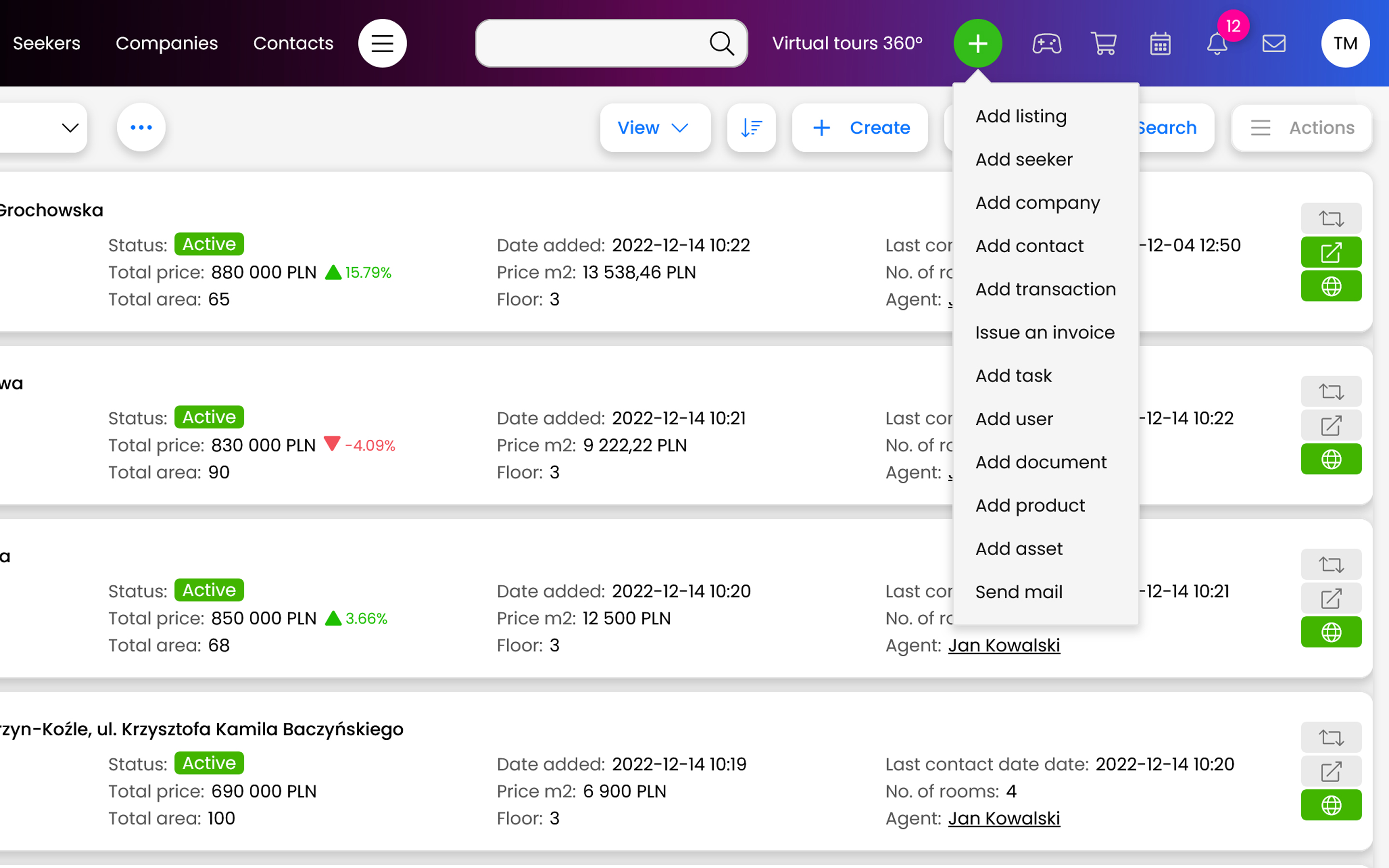
Green plus
You can also select the green plus located at the very top of the page. Once the list is expanded, click on Add Listing and, as above, select the parameters of the property to be added.
.
For more information on how to add a property, see this manual.