
How to add a user in ASARI CRM?

Written by ASARI
Learn how to add a user in ASARI CRM.
Adding a user to ASARI CRM application can be done in two ways:
Users tab
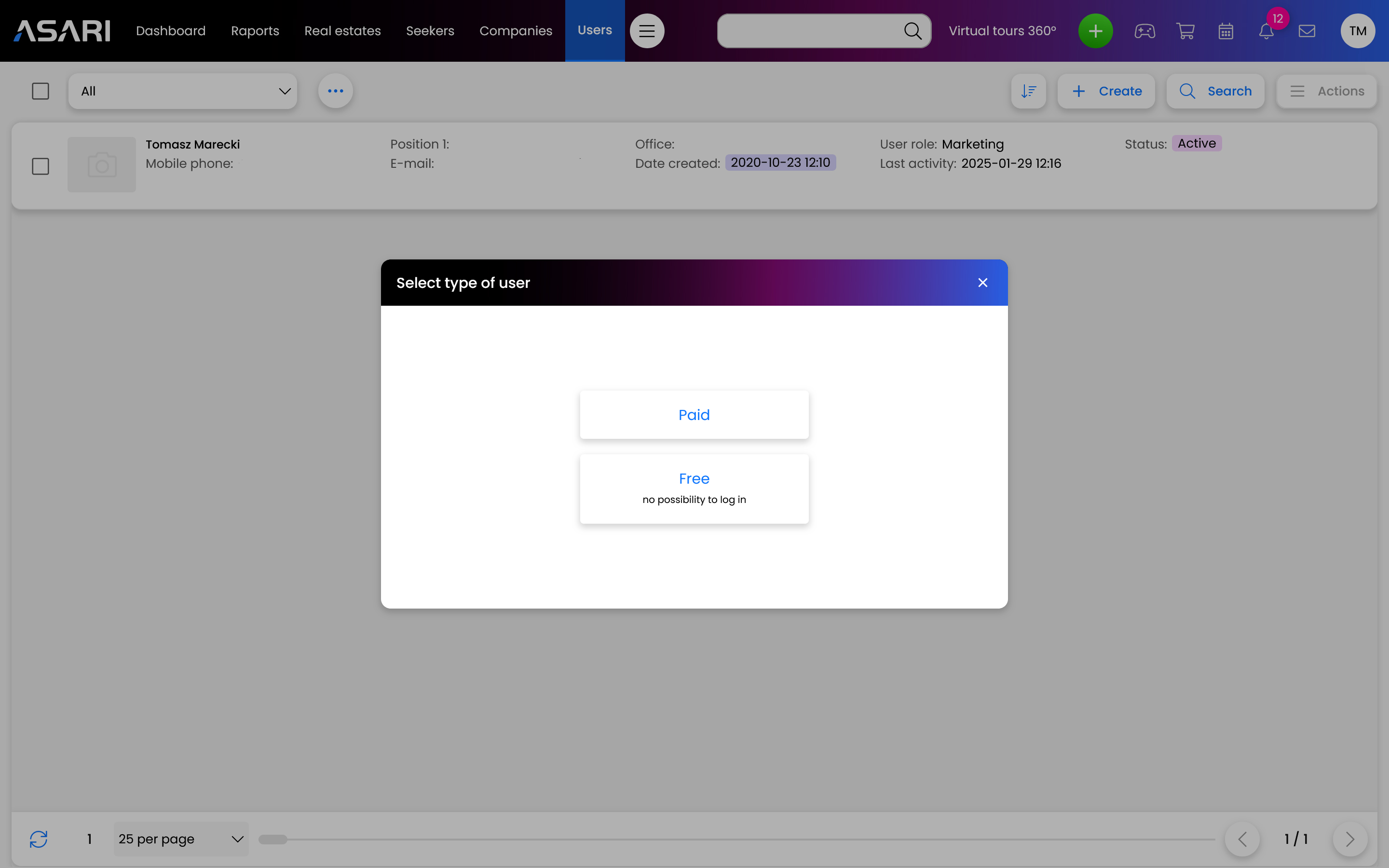
Go to the Users tab and click Create, then fill in the parameters and data of the new user.
Green plus
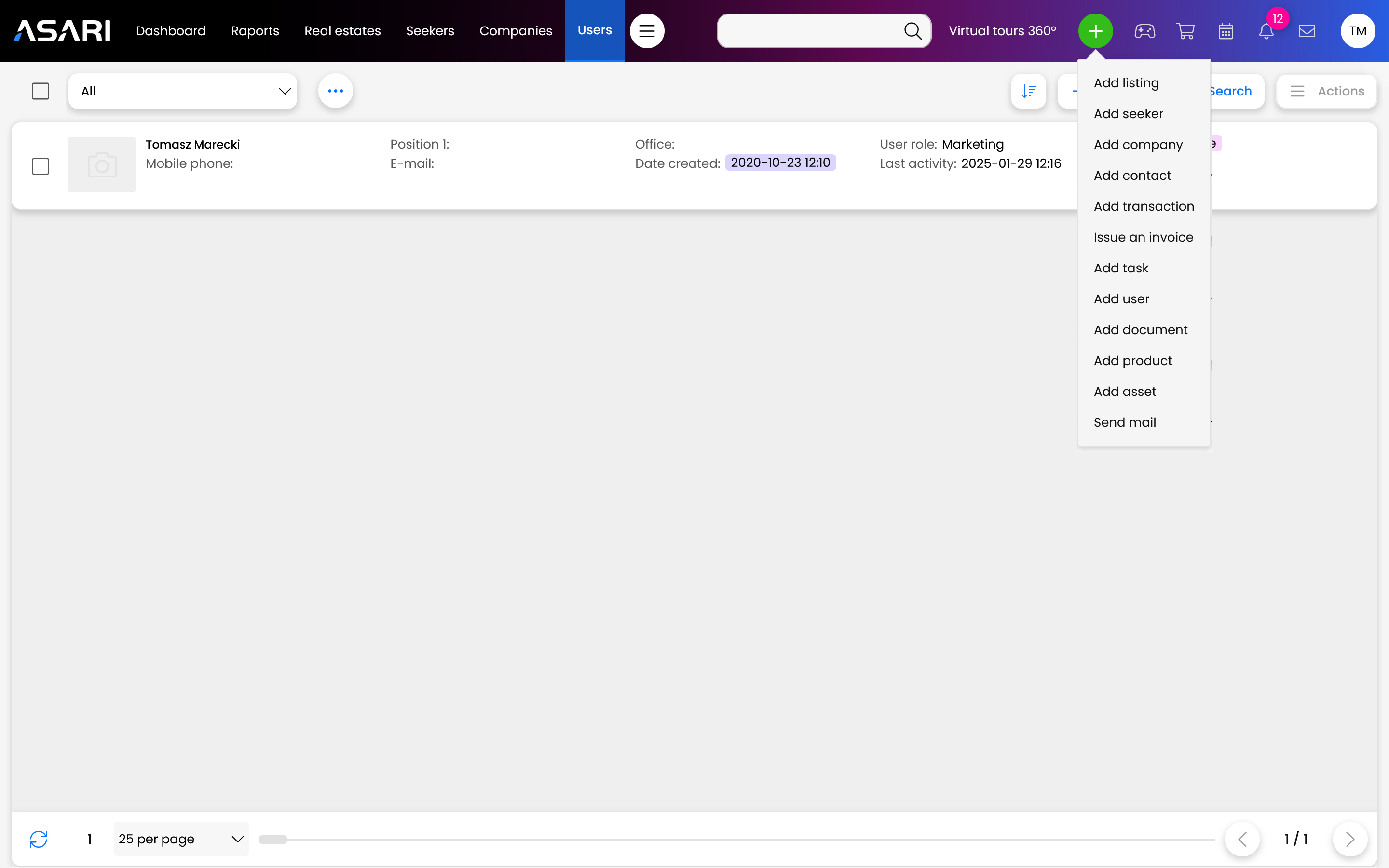
You can also select the green plus located at the very top of the page. Once the list is expanded, click on Add User and, as above, fill in the new user's information.
For more information on adding a user, see this manual.