
How to enter the WordPress system?

In this guide, you will learn how to access your site's admin panel on WordPress.
To access the administration panel of the ASARI WWW site on WordPress, you have two choices:
Moving from the ASARI CRM level
Click on the Settings menu and select Website and Responsive Website. Next to the selected site name, click on options and then Go to Site Configuration. You will be taken to the ASARI WWW Creator. There, select the Summary tab and the Go to Administration panel item.
Remember that only a person with Administration panel visibility permissions can enter the site's admin panel. You can learn more about defining permissions in this manual.
Create additional access
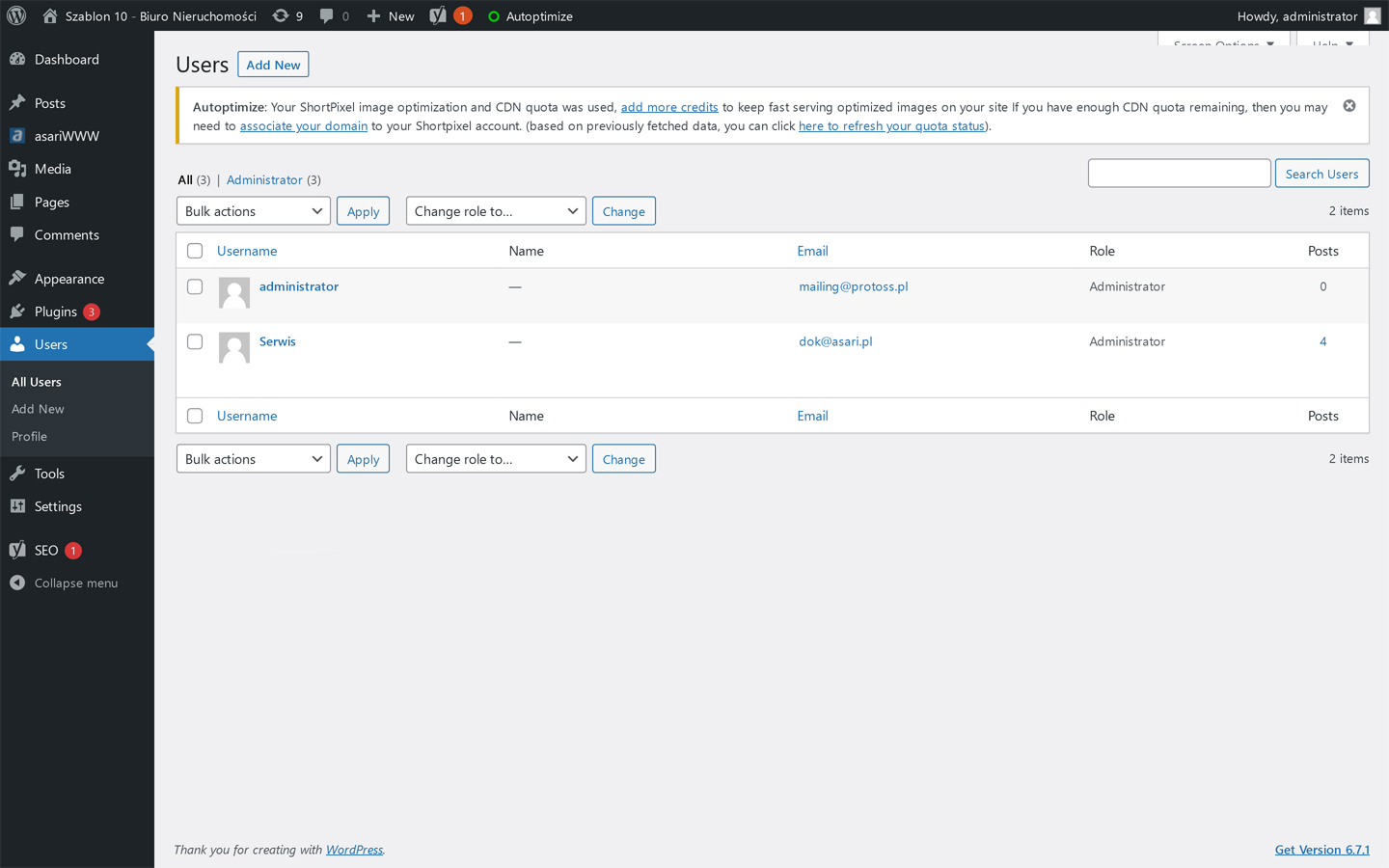
You can also add user to the system and specify what role they should play. After adding a new account, you will log in to the WordPress system via the: http://twojadomena/wp-admin.
Want to learn more about using ASARI WWW? Use this manual.