I can't log in to ASARI CRM

In this manual, you will learn solutions to the most common problems with logging into the ASARI CRM application.
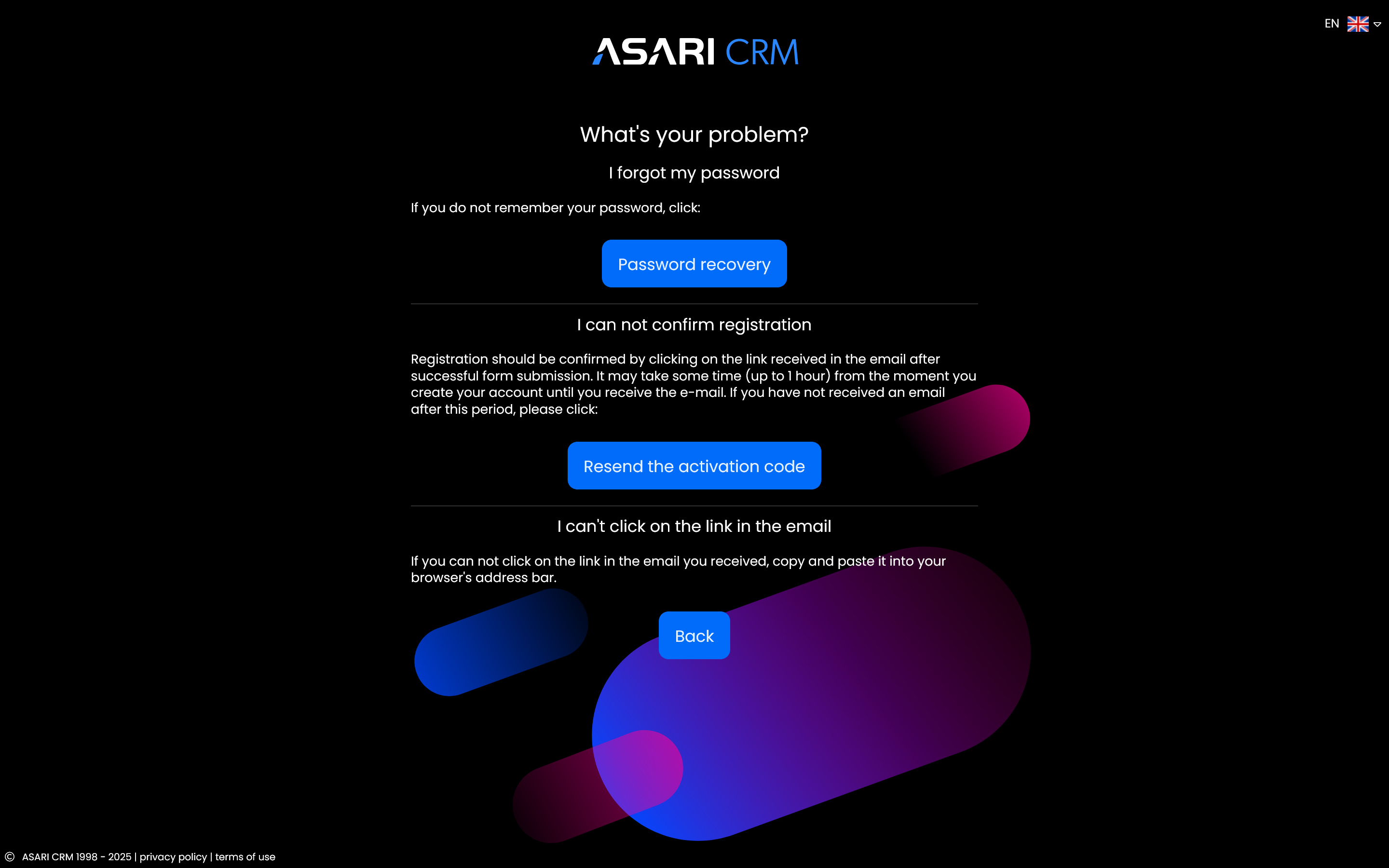
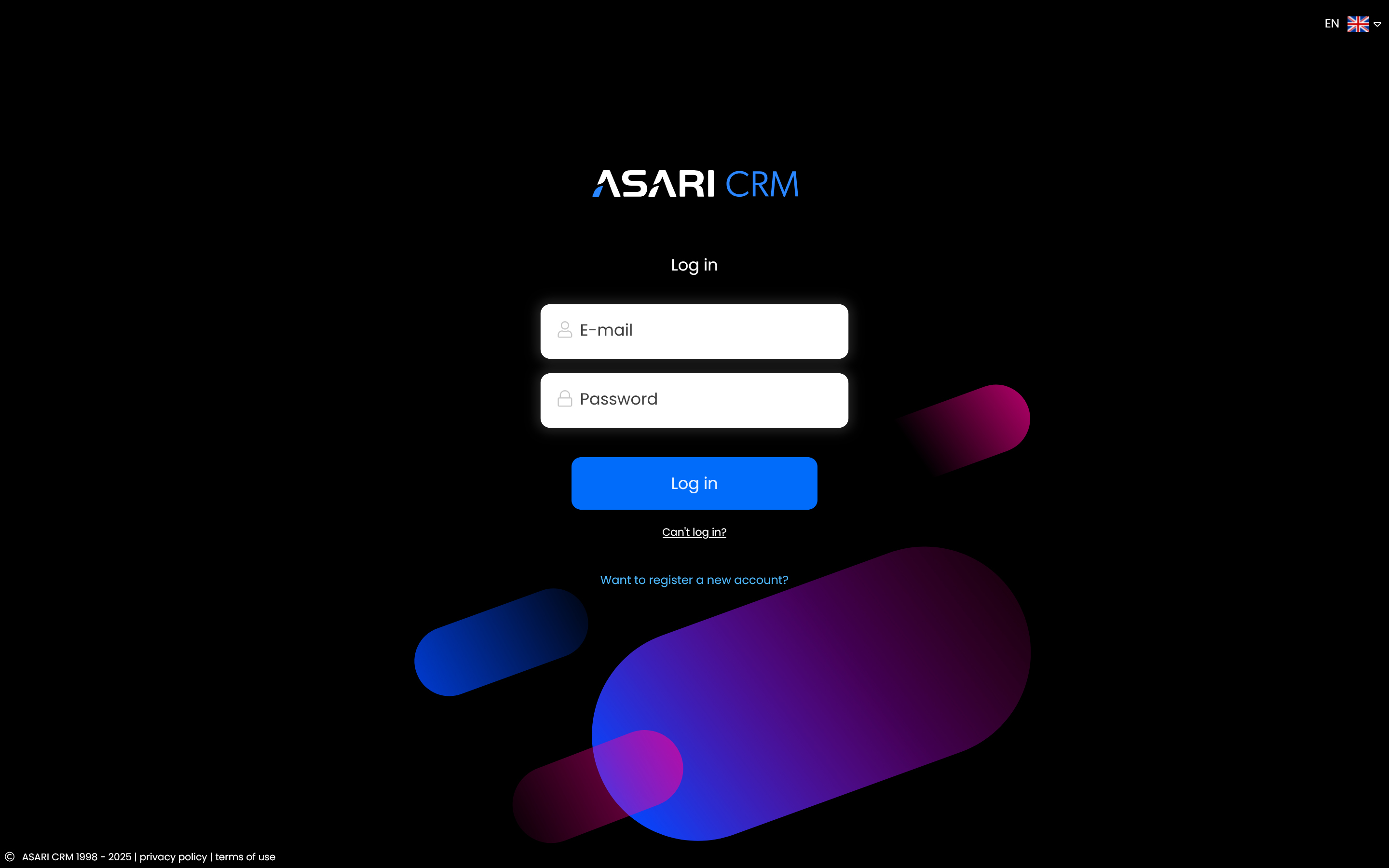
If you are having difficulty logging into ASARI CRM, select the “Can't log in?” option available on the login page.
You can find more detailed information on how to solve login problems in this manual.
Password recovery
In case you do not remember your password, select Password recovery. After entering your email address, a message will be sent to your mailbox with instructions on how to proceed. Check that the email did not end up in your SPAM folder.
Confirm Registration
You must confirm your account registration by clicking on the link available in the email you received. If you do not receive the message, and it is not in the SPAM folder, click Resend the activation code.
If you think there may have been a typo during account registration, please contact our Customer Service Department at +48-22-830-72-40 or via the contact form.