
How do I launch and configure an ASARI WWW site?

Launching and configuring ASARI WWW sites starts in ASARI CRM, which takes you to the setup wizard.
In order to launch and later configure the ASARI WWW site, you must be logged in with an owner account. To enter editing, open Settings, then the Website tab and select Responsive Website. You will see a list of available pages and the option to add a new one.
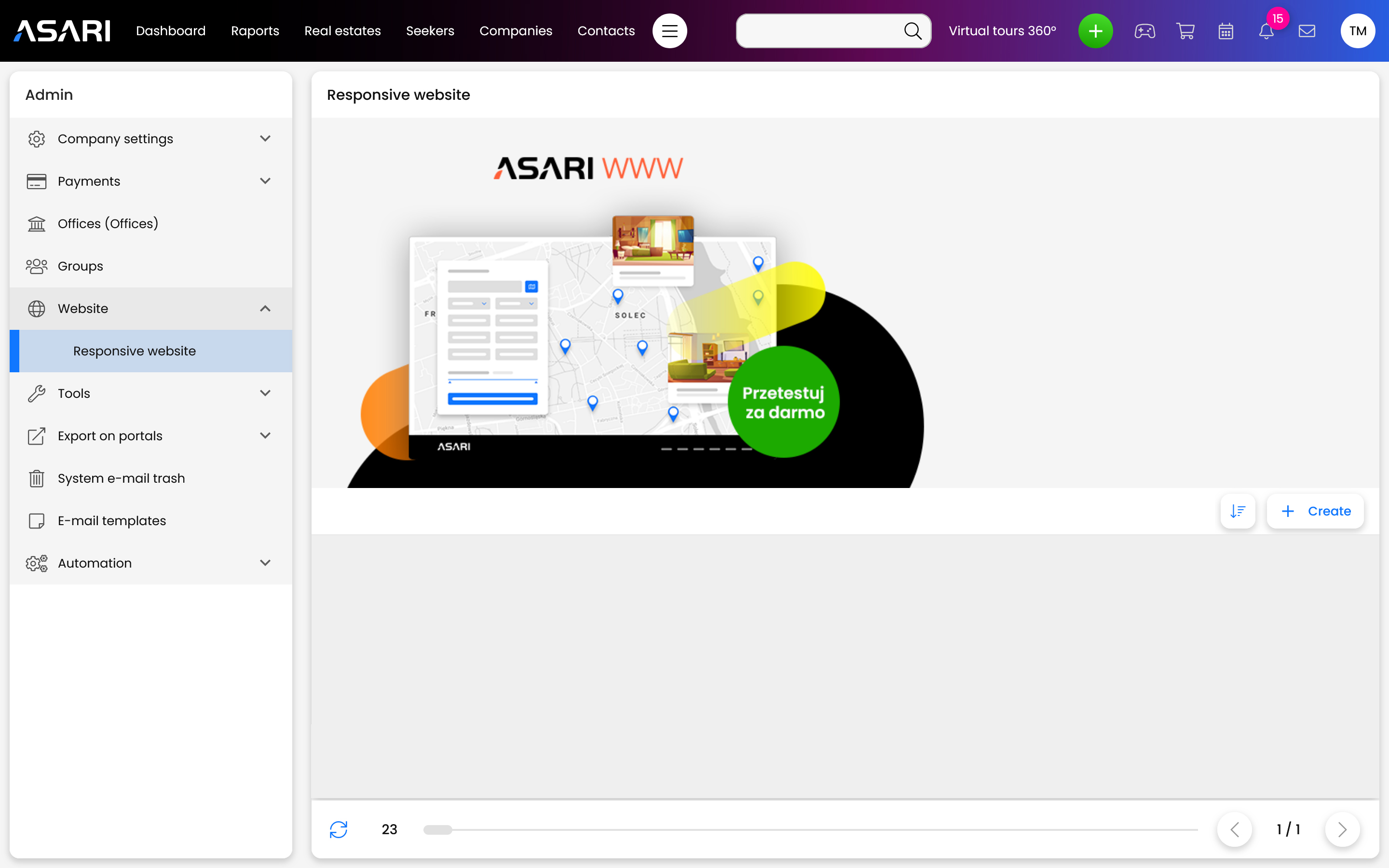
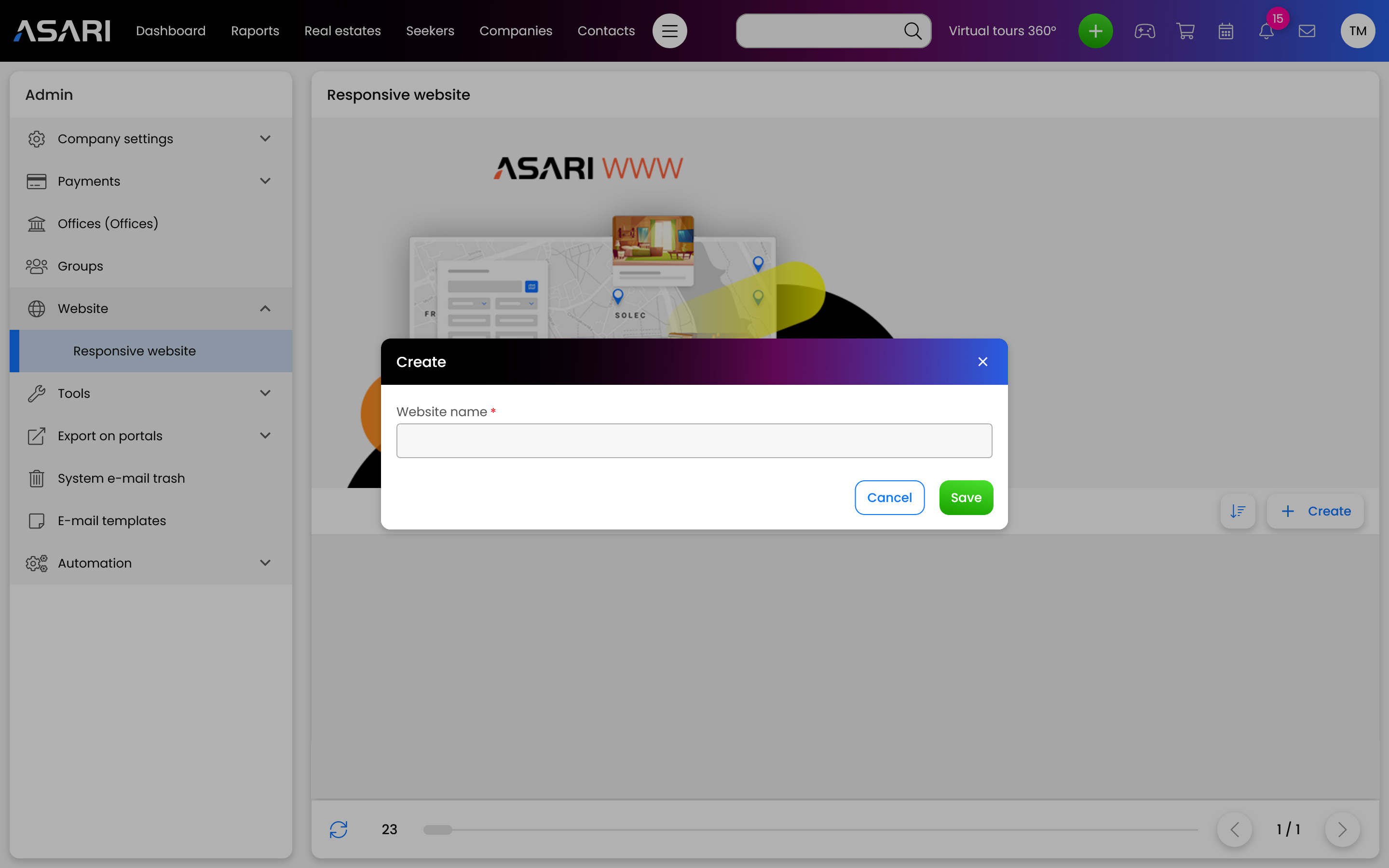
To add a new ASARI WWW service site, click the Add button. Then a window will appear where you will give the site a name.
When your site appears in the list of websites, then you can configure it by clicking the icon with three dashes and selecting Website configuration.
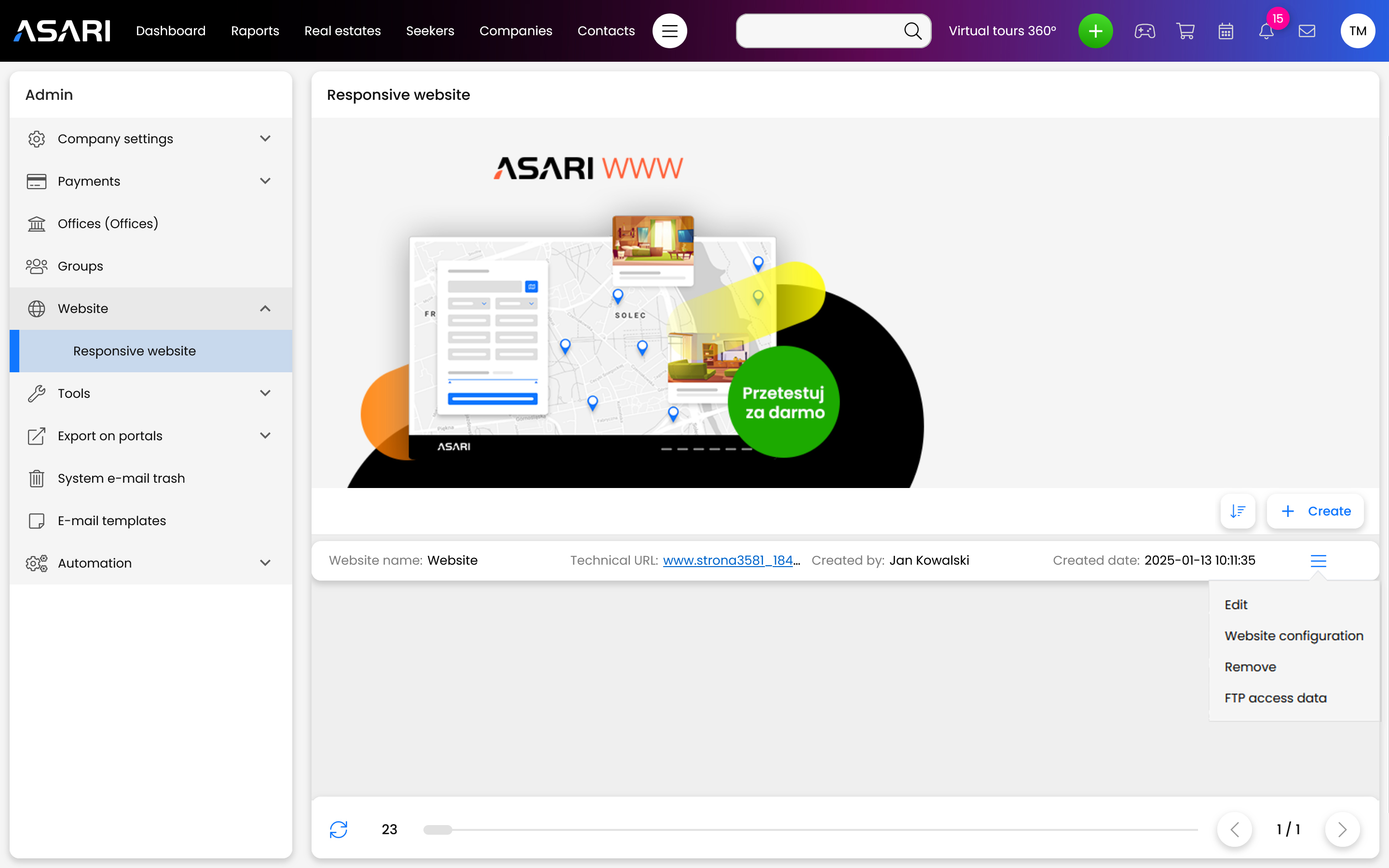
Once the configuration page launches, you can make many changes such as choosing a template, naming the site, creating subpages and more. This will also take you to the WordPress admin panel. Take a look at these instructions for a detailed look at the various ASARI WWW setup options: